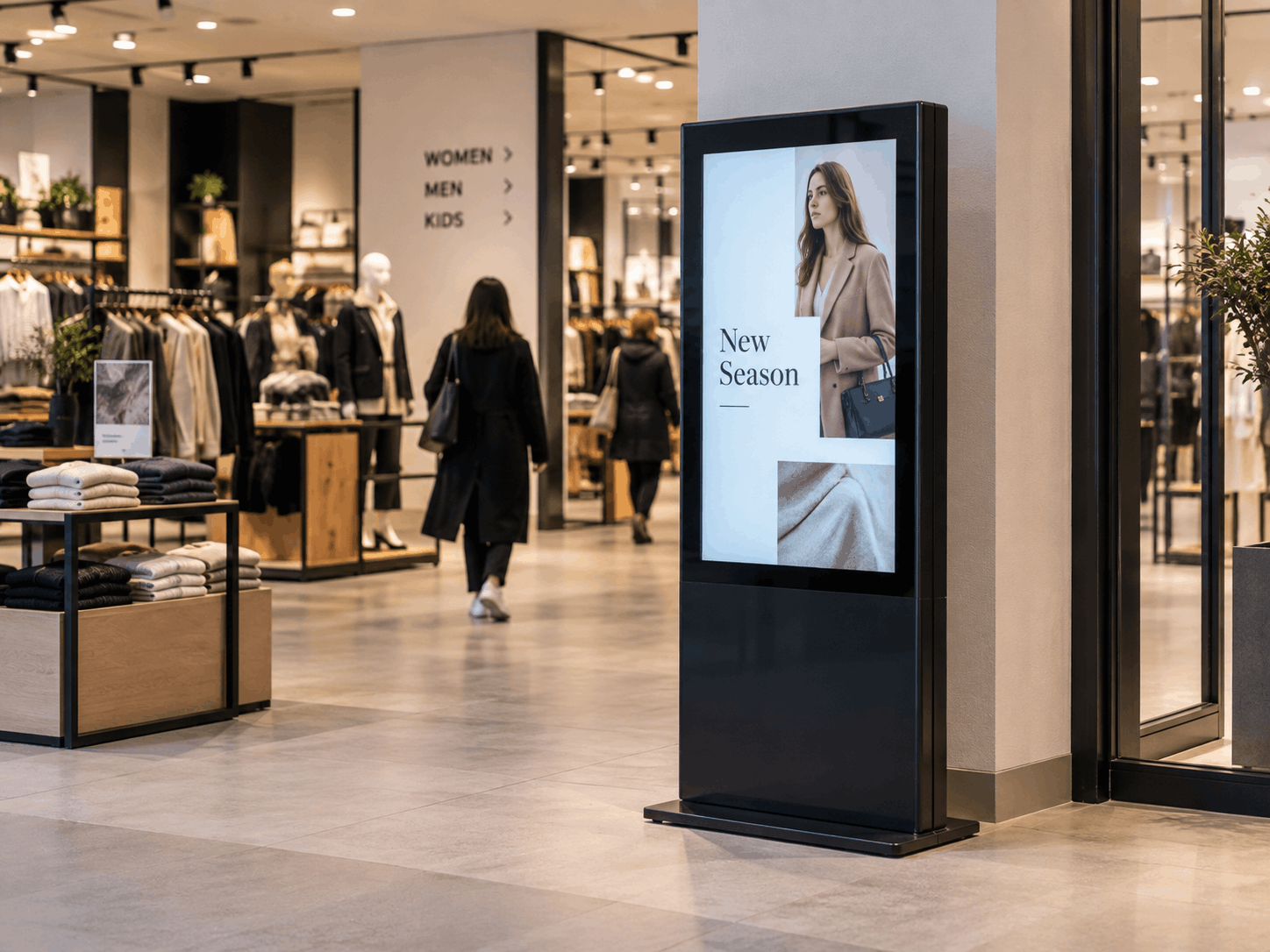
A kiosk sitting on a shop floor is, technically, just a computer nobody is watching. That's the part easy to forget once the campaign content and the branding are sorted. Device management is everything that keeps that computer secure, working, and under control once it's out in the world unsupervised, and it matters more than most retail teams initially expect.
Why kiosks need a different security approach to office devices
A laptop in an office sits behind a locked door, a login screen, and a person who notices if something looks wrong. A kiosk in a shopping centre sits in the open, running unattended for hours at a stretch, accessible to anyone who walks past.
The NCSC's own guidance on managing deployed devices highlights exactly this kind of context: policies need to cover what happens when a device is left unattended, what physical connections it exposes, and what a user, or in this case, any member of the public, is able to do with it. A kiosk is often one of the most exposed device categories a retailer will deploy, and it needs to be treated that way from the outset.
Physical exposure is the core difference
Anyone can walk up to a kiosk. That means exposed USB ports, accessible cables, and an operating system that's only a few taps away from misuse if it isn't properly locked down. None of this is usually a concern for a device sat on someone's desk.
There's no one there to notice a problem
An office laptop behaving oddly gets flagged by the person using it. A kiosk that's frozen, displaying an error, or has been tampered with might sit that way for hours before anyone from the retailer notices, unless the platform itself is actively monitoring and alerting on it.
What kiosk lockdown actually means
Lockdown is the foundation everything else sits on top of. In practice, it means restricting the device to only the software and functions it's meant to run, so a kiosk running a campaign genuinely cannot be used for anything else.
That typically covers a few specific things:
Restricting the device to a single app or a defined set of approved functions, so the underlying operating system isn't accessible
Disabling physical ports and connections that aren't needed for the kiosk's purpose
Preventing exit from the kiosk interface through button combinations or gestures that would otherwise break out of the locked-down mode
Automatically wiping session data between users, so nothing personal or sensitive persists from one interaction to the next
Done properly, lockdown significantly reduces the need for routine on-site intervention while keeping the device restricted to its intended purpose.
Remote monitoring and troubleshooting at scale
Lockdown handles security. Monitoring handles everything else that can go wrong operationally, and at any meaningful scale, checking on kiosks in person simply isn't realistic.
Remote monitoring means knowing a device's status without a physical visit, whether it's online, whether the campaign content is displaying correctly, and whether it needs attention. For a retailer running kiosks across a handful of stores, that's a convenience. For one running them across dozens or hundreds of locations, it's the only realistic way of keeping the fleet operational at all.
Where offline support is built in, a well-managed kiosk should keep running and tracking activity even if it briefly loses connection, syncing everything back once it reconnects, rather than simply going dark until someone notices and intervenes.
Managing device fleets across multiple locations
The complexity of device management scales directly with the number of devices involved. A single kiosk is straightforward to keep an eye on. A fleet spread across 50 or 100 locations, potentially across different countries and time zones, is a genuinely different operational challenge.
This is where kiosk fleet management earns its place as a distinct discipline rather than an extension of basic IT support. It typically involves pushing configuration, content, and policy updates to every device from a single dashboard, rather than configuring each one individually.
It means consistent lockdown policies applying uniformly across the fleet, so a device in one country isn't accidentally more exposed than one in another. And it means being able to see the health of the entire fleet at a glance, rather than only finding out a device has gone offline when a store manager happens to mention it.
As a rough operational guide:
Fleet size | What tends to break down without proper management |
1 to 9 devices | Manageable manually, but security policy still needs to exist somewhere written down |
10 to 50 devices | Manual checks become impractical, remote monitoring becomes necessary |
50+ devices, multiple locations | Centralised policy, remote troubleshooting, and fleet-wide visibility become essential, not optional |
Why this matters more as you scale
Retailers running a single kiosk pilot can often get away with a lighter-touch approach to device management, an occasional manual check is usually enough. That approach stops working almost immediately once a rollout expands.
The retailers who run into trouble are rarely the ones who never thought about device management. They're the ones who set it up adequately for five devices and never revisited it once the fleet grew to fifty. Getting the fleet-management layer right from the start, even for a small initial deployment, avoids a much harder retrofit later.
If it's worth talking through what proper device management looks like for your own kiosk deployment, get in touch with Merlin Cloud.
Related reading
See how Merlin Cloud's interactive kiosks handle remote management, MDM integration, and offline support as part of the platform itself.