Visitors get answers on their own schedule, and your team stops repeating the same directions to a hundred people a day.
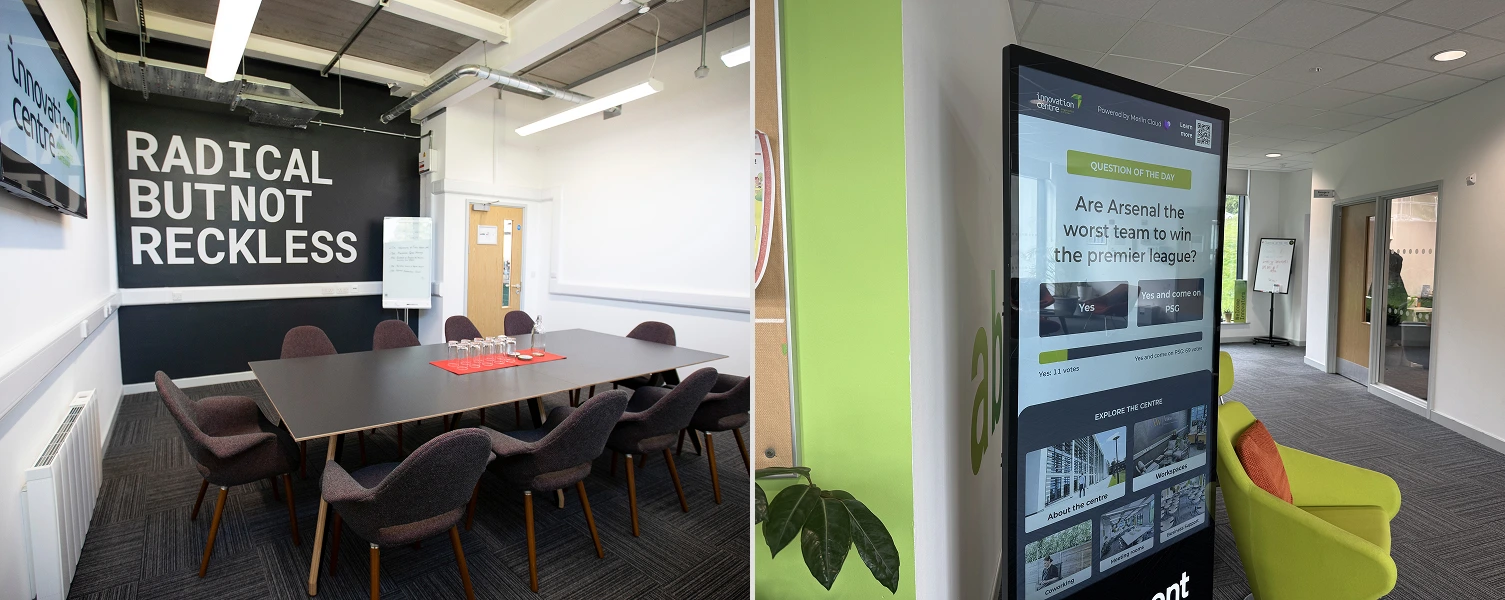
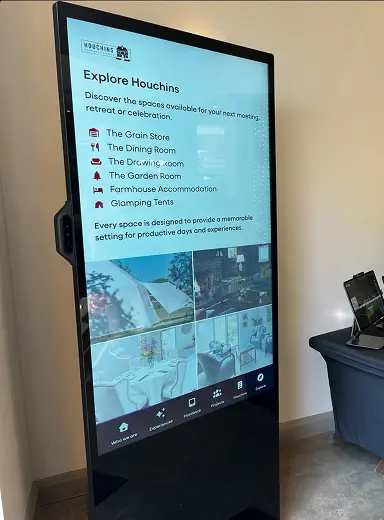
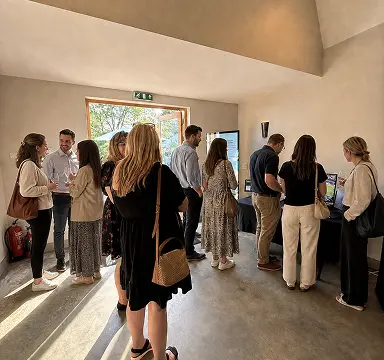
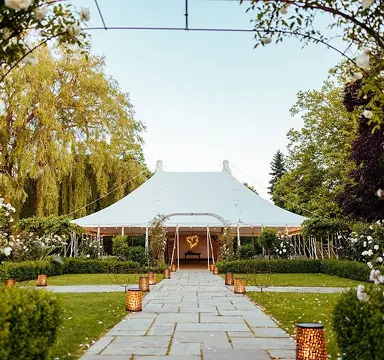
what it does
01
Map the venue
Directions, opening times and FAQs are structured into a simple, browsable format.
02
Install the kiosk
A wall-mounted or freestanding touchscreen is placed wherever visitors first need direction.
03
Visitors self-serve
Wayfinding, information and check-in all handled without needing to find a member of staff.
why it works
Repeat questions are the least valuable use of a team's time.
Putting the answers on a kiosk frees staff for the visitors who actually need a person, while everyone else self-serves in seconds.
470
Visitor check-ins logged monthly, without a staffed desk
what's included
01
Wayfinding maps
Interactive floor plans that visitors can browse and follow.
02
Editable content
Opening times, events and FAQs updated centrally, no reprinting signage.
03
Visitor check-in
Logs who's on-site without needing a staffed reception desk.
04
Multi-site consistency
The same kiosk experience deployed identically across every location.
where it fits
Visitor centres
Give first-time visitors a confident way to find their way around.
Corporate campuses
Cut down on reception time spent giving the same directions.
Event venues
Keep schedules and hall maps up to date without reprinting signage.
proven performance
Real results from deployed campaigns across retail, events and exhibitions.
470
Visitor check-ins logged monthly
19
Business centres deployed across
case studies
experiences
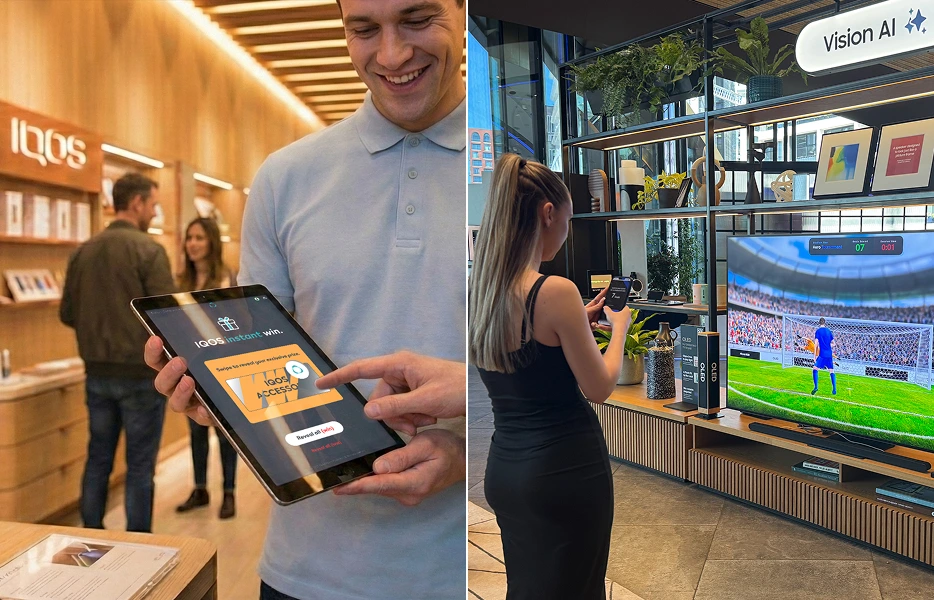
People don't stop for brochures. They stop to beat a score. A quick, competitive game on a kiosk or stand holds attention long enough to bank a lead, not just a glance.
Explore this experience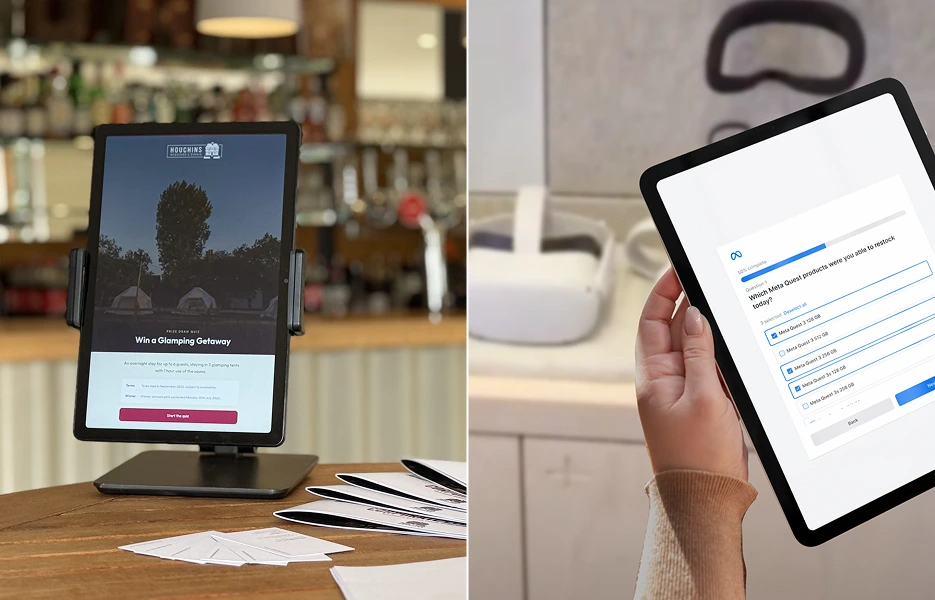
A good quiz does two jobs at once. It teaches someone about your brand and it gives you a reason to ask for their details afterwards.
Explore this experience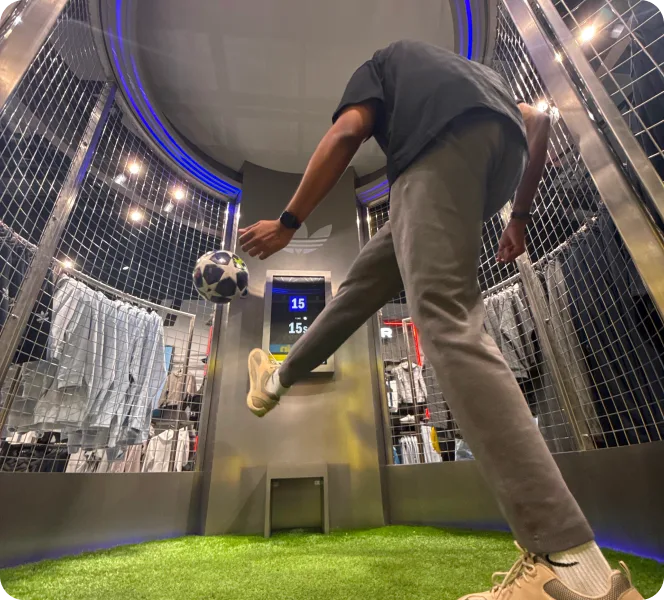
Some experiences ask for a tap. Others ask someone to move, and that's a harder moment to walk past. Physical games turn a stand into something people can see happening from across the room.
Explore this experience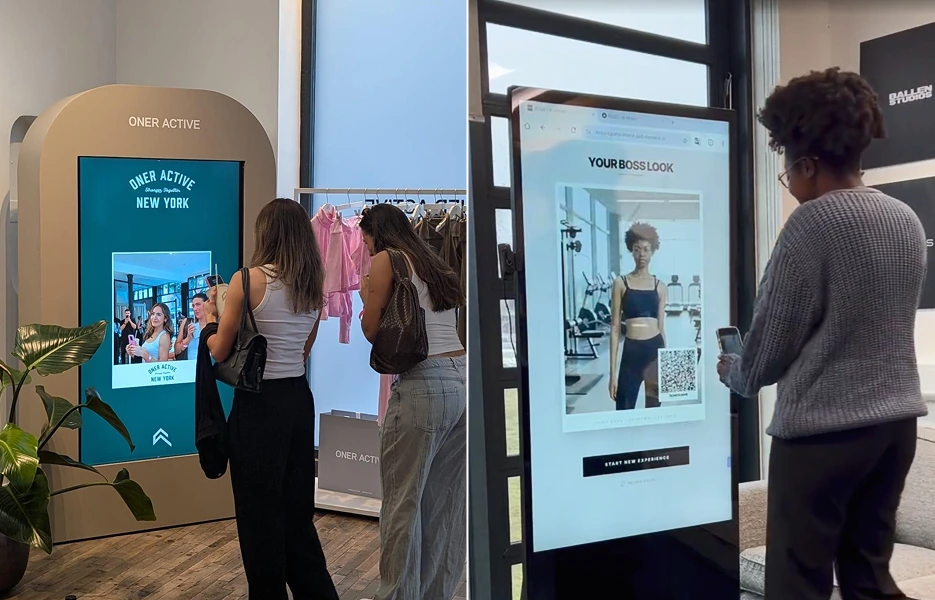
Every visitor becomes a channel. A branded photo booth keeps working for you long after they have left the stand.
Explore this experience
A shopper left to browse a wall of options often leaves with nothing. A guided discovery journey gets them to the right product instead.
Explore this experiencecommon questions
Yes, the same kiosk experience can be deployed consistently across every site, each showing its own local map and information.